Smart Bookmark Manager

Find Any Bookmark
At The Speed of Light

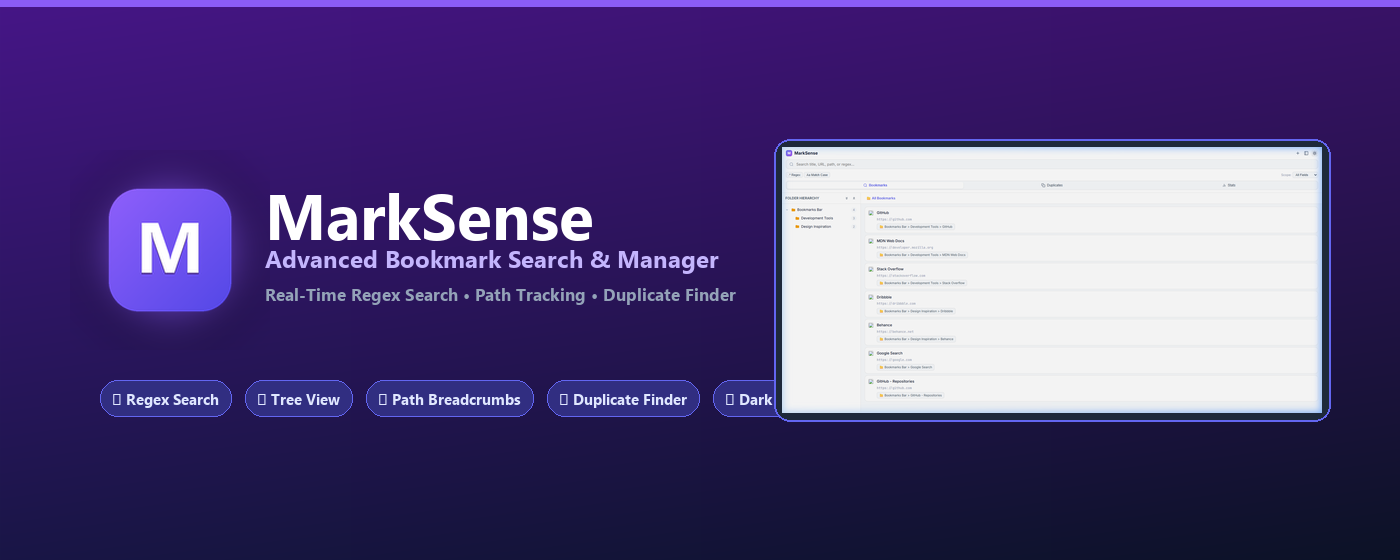
Power-up your browser bookmarks with instant Regex search, hierarchical folder tree navigation, breadcrumb path tracking, duplicate cleanup, and side panel access.

100% Local & Private
Full Regex Support
Instant Duplicate Cleanup
MarkSense SidePanel View
MarkSense Overview

Designed for Power Users

Everything you need to organize, search, and clean up thousands of bookmarks effortlessly.

🔍

Regex & Scoped Search

Filter bookmarks instantly by title, URL, folder path, or use powerful Regular Expressions (Regex) for pinpoint accuracy.

🌲

Folder Tree Navigation

Explore your complete bookmark folder hierarchy with expand/collapse controls and quick folder selection.

📍

Breadcrumb Path Tracking

Know exactly where each bookmark lives. Breadcrumb paths make organizing and identifying locations crystal clear.

🧹

Duplicate Bookmark Cleanup

Detect duplicate URLs instantly across all folders and remove redundant bookmarks with a single click.

📌

Side Panel & Quick Popup

Access your bookmarks anywhere. Open via top popup menu or keep it pinned in Chrome's side panel.

🌙

Dark & Light Themes

Comes with customized dark and light visual themes that seamlessly adapt to your system preferences.

Master Your Bookmarks in Seconds

See how MarkSense turns cluttered bookmarks into a structured powerhouse.

Instant Regex & Multi-field Filtering

Stop endlessly scrolling through endless folders. Filter by title, URL, or deep folder paths in milliseconds.

  • Real-time query execution
  • Case-sensitive & Regex toggle switches
  • Scope selector (Title, URL, Path, All)
Regex Search Showcase

Detect & Clean Up Duplicates Instantly

Over time, identical bookmarks accumulate across different folders. MarkSense groups duplicate URLs and lets you prune them safely.

  • Automatic duplicate clustering
  • One-click batch deletion
  • Memory & storage optimization
Duplicate Cleanup

100% Local & Privacy-First

MarkSense operates entirely inside your browser using native Chrome extension APIs. We do not track, collect, transmit, or monetize your bookmark data. Zero external servers.

Read Privacy Policy

Frequently Asked Questions

Got questions? We have answers.

Is MarkSense completely free?
Yes! MarkSense is 100% free to install and use with all feature sets unlocked.
Does MarkSense send my bookmarks to any external server?
No. MarkSense runs 100% locally in your browser. Your bookmark data never leaves your device.
How do I open MarkSense in Chrome's Side Panel?
Click the MarkSense icon in your toolbar, then click the Side Panel button at the top right of the popup, or open Chrome's side panel menu.
Does MarkSense support Regular Expressions (Regex)?
Yes! Click the '.* Regex' chip in the search filter bar to enable pattern matching for advanced search queries.