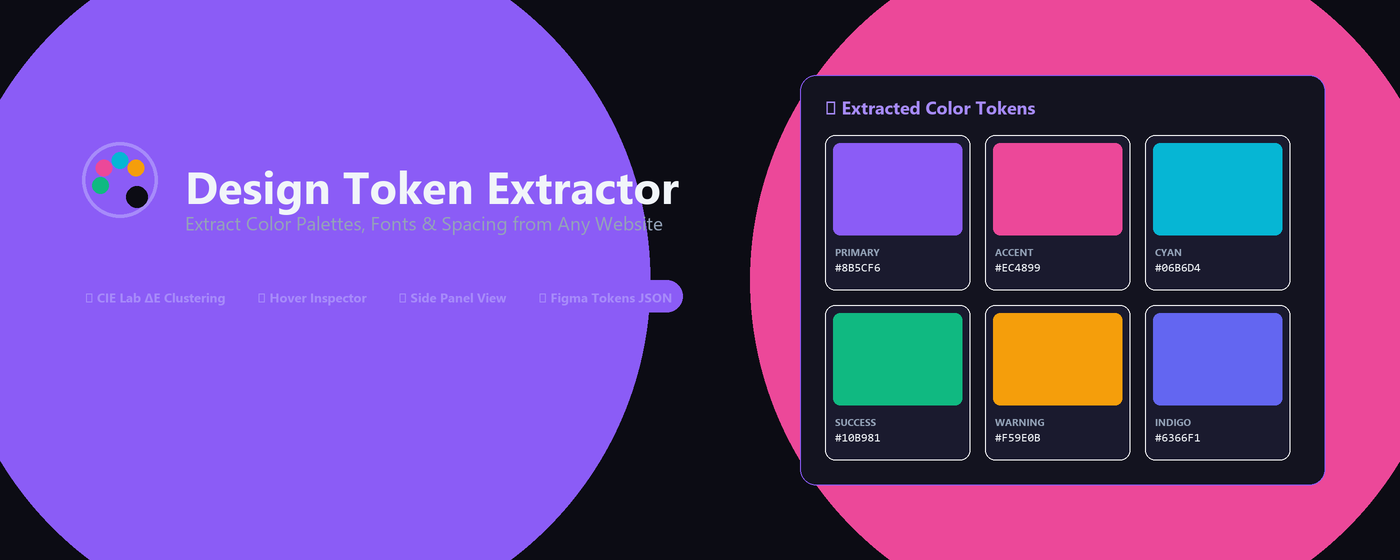
🎨 Design Token Extractor

Extract Web Design Tokens
With One Click

Instantly analyze colors, font families, typography scale, line heights, and layout tokens from any website. Export directly to Figma Tokens Studio or clean JSON.

100% Local & Private
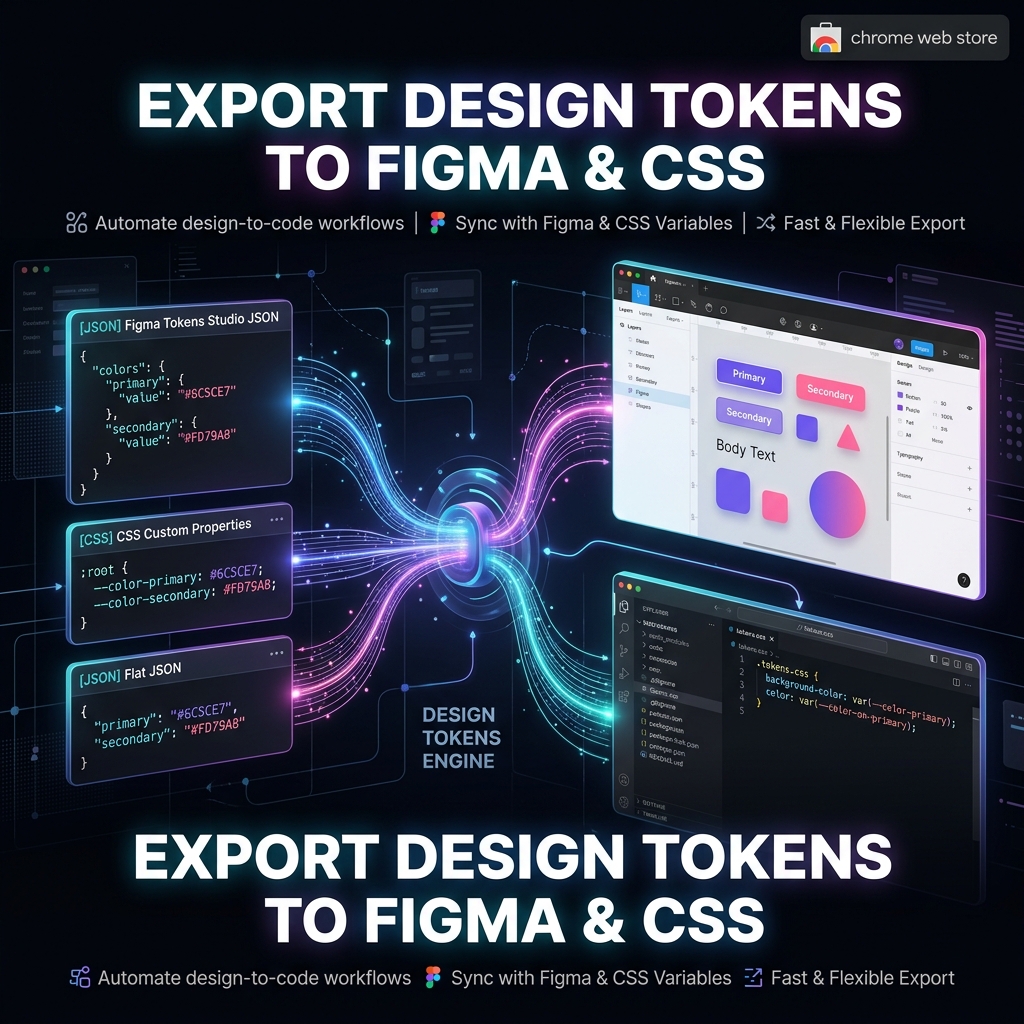
Figma Tokens JSON Export
Interactive Hover Inspector
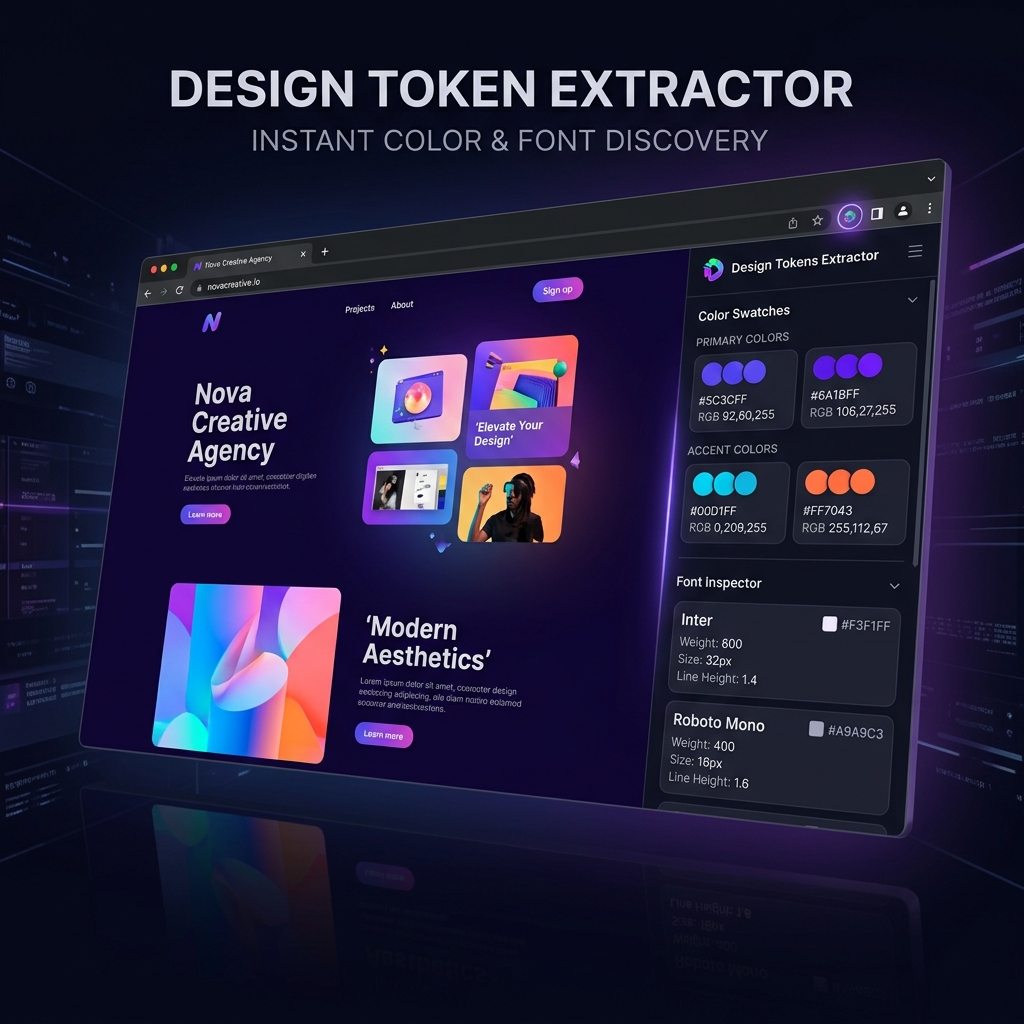
Design Token Extractor Side Panel
Design Token Extractor Overview

Designed for Designers & Developers

Everything you need to extract, inspect, and export design tokens effortlessly.

🎨

Color Palette Extraction

Extract all color swatches automatically with HEX, RGB, and Tailwind CSS code conversions. View primary, accent, and total color stats.

🔤

Typography & Font Scanner

Scan font families, font sizes, weights, and line heights used across the current page into a structured list.

🖱️

Interactive Hover Inspector

Hover over any element on the page to inspect its design tokens in real-time, including padding, colors, font properties, and border radius.

📐

Figma Tokens JSON Export

One-click export compatible with Figma Tokens Studio (Tokens.Studio) plugin format for seamless design-to-code alignment.

📦

Plain JSON & One-Click Copy

Download or copy lightweight flat JSON design tokens for Tailwind CSS, CSS variables, or custom frontend build pipelines.

📌

Popup & Side Panel Support

Flexibly switch between standard toolbar popup or Chrome's native Side Panel to work side-by-side with target web pages.

From Web Inspection to Design System

Streamline your design workflow with instant token extraction and standard exports.

Color & Font Extraction Showcase

Extract Colors & Fonts in Seconds

No more manually inspecting elements with DevTools. Analyze complete site color palettes and typography structures with one click.

Automatic color categorization (HEX, RGB, Tailwind)
Detailed font metrics & fallback chains
Hover Inspector for pinpoint target elements

Export Directly to Figma & Frontend

Export structured design tokens in JSON formats ready to import into Figma Tokens Studio or sync with design system tokens.

Figma Tokens Studio (.json) standard
Flat JSON format for CSS / JS variables
One-click copy to clipboard
Figma Export Showcase

100% Local & Privacy-First

Design Token Extractor executes all DOM scanning and token generation 100% locally inside your Chrome browser. No webpage content or extracted tokens leave your machine.

Read Privacy Policy

Frequently Asked Questions

Have questions? We have answers.

Is Design Token Extractor free to use? +
Yes! Design Token Extractor is 100% free to install and use with full color, font, and JSON export features unlocked.
How do I import extracted tokens into Figma? +
Go to the Export tab, click 'Download .json' under Figma Tokens JSON. Open Figma, launch the Tokens Studio plugin, and click 'Import' to load your tokens.
Does the extension collect or send data to external servers? +
No. All extraction, color analysis, and JSON generation take place 100% locally on your computer. Zero external data transmission.
How do I use the Side Panel mode? +
Click the extension icon in your Chrome toolbar, then switch the Display Mode to 'Side Panel' at the top of the popup window.

Elevate Your Design & Development Workflow

Extract color palettes and typography tokens from any website instantly.

Add to Chrome — It's Free